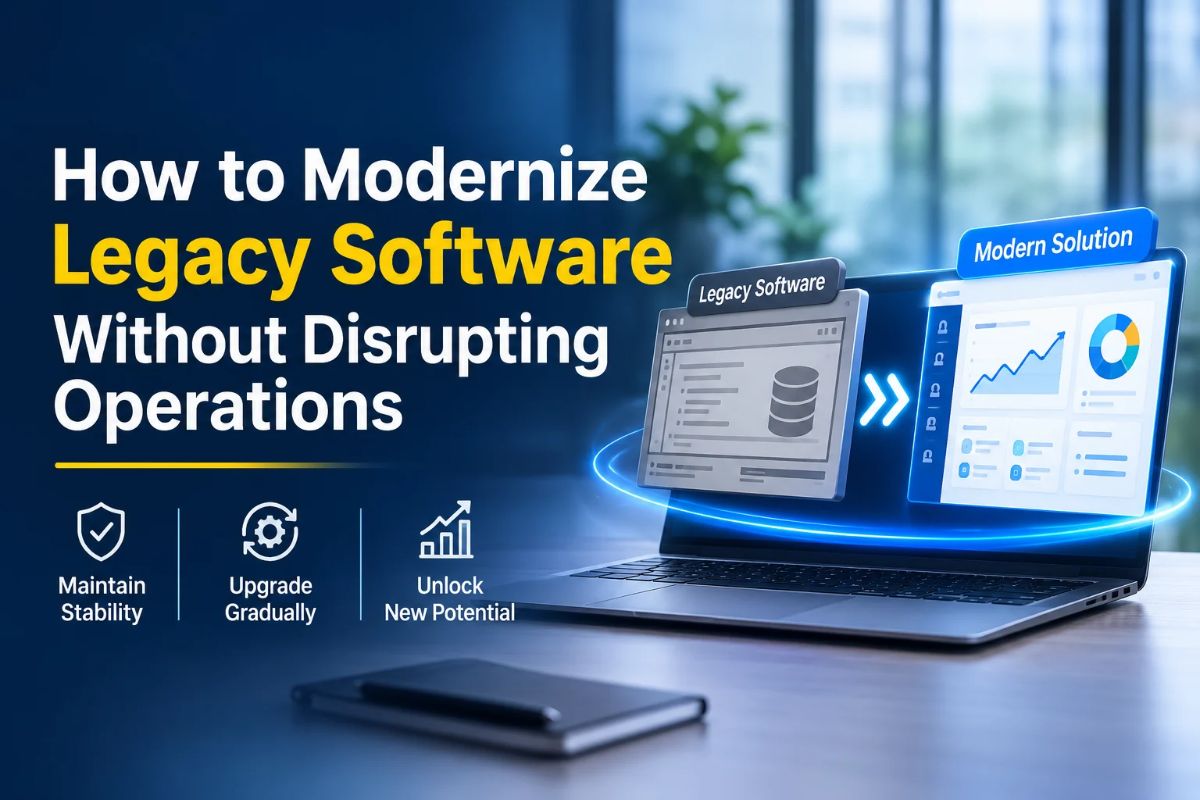
A lot of businesses still run on software that was developed years ago, mainly because it supports important everyday tasks. The challenge is that business needs do not stay the same. As they change, older applications may start working slowly or struggle to work with newer technologies. Doing away with the whole system is not always realistic, particularly when employees and customers use it regularly. What works better is a planned modernization approach, one that improves the existing application without bringing daily operations to a halt.
With the right software development services, businesses can deal with technical limitations while keeping their workflows running as usual. In this blog, we’ll look at how to assess your current software, choose the right way to upgrade it, keep business data safe, and make changes without disturbing regular work.
Assess the Existing Software
Before any modifications are made, organizations ought to comprehend the operation of their current software applications, as older systems generally consist of features and linkages that employees rely on, despite poorly documented information.
For instance, an inventory application may share data with billing software, warehouse software, and online stores. Changing one component without knowing about the connectivity could disrupt the stock updates and order processing.
Review the Application and Its Dependencies
Examine the software’s programming languages, database, hosting environment, and connections with other applications. Also, check user permissions and identify technologies that no longer receive support.
This assessment helps developers understand which components can be improved and which may need replacement.
Recognize Operational Problems
Focus on issues that affect everyday work, such as:
- Lags in application speed.
- Regular errors or breakdowns in the system.
- Difficulties in adding any new functions.
- High cost of maintenance.
- Limited compatibility with advanced tools.
- Vulnerabilities in terms of security.
Feedback from employees is also very beneficial. For example, employees may have to enter the same information in different systems due to poor exchange of data between applications.
The documentation of the described issues sets a perfect groundwork for modernization.
Define Modernization Goals and Priorities
Not every part of an application needs immediate attention. Updating the entire system at once can increase costs, development time, and operational risks.
Businesses should first identify which features are essential to their daily activities.
Prioritize Critical Features
Consider an eCommerce application that manages customer accounts, payments, inventory, and order tracking. A problem with payment processing can directly affect sales, while an outdated internal reporting feature may have a smaller impact.
Features that support essential business activities should receive priority. Less critical components can be addressed in later stages.
Set Measurable Objectives
Decide what the updated software development services should achieve. Common objectives include:
- Improving application speed.
- Reducing system errors.
- Strengthening data security.
- Simplifying software maintenance.
- Supporting more users and transactions.
- Connecting with modern business applications.
These goals provide a way to measure the project’s results after implementation.
Once priorities are clear, businesses can select the most suitable modernization method.
Introduce Changes Through Phased Migration
Once the modernization approach is selected, the next step is planning how to introduce the changes.
Moving the entire application at once can interrupt important operations if something goes wrong. Phased migration reduces this risk by dividing the work into smaller stages.
Start With a Less Critical Feature
Choose a component that has fewer connections with other applications and does not directly control essential transactions.
For example, a business could update its reporting module before changing its payment processing system. This allows developers to identify technical issues before working on more sensitive components.
Run Old and New Versions Together
Where practical, keep both versions available during the transition.
If a company is replacing its inventory software, it can compare the stock records generated by both versions to check whether product quantities match.
This helps identify errors before employees begin relying entirely on the updated system. Data synchronization must also be managed carefully to prevent duplicate or conflicting records.
Transfer Users Gradually
After testing, move a small group of employees to the new application. Their feedback can help identify problems with navigation, access, and everyday tasks.
Once the system performs reliably, access can be extended to other employees.
Protect Business Data During Migration
Old software programs often consist of many years’ worth of data on customers, finances, and transactions. Therefore, measures must be taken to keep all this data free from inaccuracies after the migration has taken place.
A poorly performed migration could lead to missing records, wrong values, and broken relationships between the data.
Cleaning and Mapping the Existing Data
Before migration occurs, the database should be checked for duplicates, fields that are not filled in, and obsolete information.
Furthermore, the existing data architecture must be mapped to that of the new application.
For instance, while an older database might contain a single field for a customer’s name, the new app may require separate tables for first and last names.
Create and Test Backups
Create backups before making major changes to the database or application infrastructure. Store backup copies separately and test whether they can be restored.
The recovery plan should identify who is responsible for restoring information and how recently added records will be protected if migration fails.
Maintain Security During Modernization
Older applications may use outdated login methods, unsupported software versions, or weak security settings. Modernization provides an opportunity to address these problems.
However, security must be maintained throughout the transition, especially when old and new applications exchange information.
Improve User Access Controls
Review employee permissions and provide access according to job responsibilities.
For example, sales employees may need customer and order information, while financial records should remain accessible only to authorized staff.
Multi-factor authentication and role-based access control can further improve application security.
Secure Application Connections
When different applications exchange information, their connections must be protected.
Use secure communication protocols, proper API authentication, and access restrictions. Regular security checks can help identify weaknesses in newly introduced components.
Test the Updated Application Before Deployment
Testing confirms whether the modernized software development services work correctly and support existing business activities. It should take place throughout development rather than only before the final launch.
Conduct Functional and Integration Testing
Functional testing checks whether individual features perform their intended tasks.
For example, an updated order management system should allow employees to create orders, edit details, process cancellations, and view order history.
Integration testing checks whether connected applications exchange information correctly. An online order, for instance, should trigger the correct inventory update.
Check Performance and Involve Employees
Load testing helps determine whether the application can handle its expected number of users and transactions.
Employees should also test the updated system before full deployment. They can identify confusing features or additional steps that may affect their daily work.
Their feedback allows developers to make practical improvements before the application becomes available across the organization.
Prepare a Rollback Plan
A rollback plan explains how to return to the previous working version if the updated application develops serious problems.
Before deployment, define the conditions that would require a rollback, such as application crashes, failed transactions, incorrect records, or major performance issues.
Keep the previous version available until the new application has demonstrated stable performance.
Also, plan how to preserve information entered after deployment. If the team needs to switch back, recent records must be transferred correctly to prevent data loss.
Train Employees and Monitor the System
Modernization does not end when the updated application is deployed. Employees need to understand the changes, and the technical team must monitor the system during regular use.
Provide practical training, user guides, and access to technical support. This helps employees become familiar with new features and updated workflows.
After deployment, monitor application speed, availability, system errors, and database performance. Investigate repeated issues before they affect more users.
Regular maintenance is equally important. As business requirements change, further updates may be needed to keep the application secure and reliable.
Conclusion
Modernizing outdated software necessitates the presence of a proper strategy and knowledge about current processes in the business. To lower operational risks, one should assess existing applications, determine key functionalities, choose adequate upgrade methods, and implement changes slowly. Issues with the protection of data, security verification, software testing, and training of employees also facilitate the conversion process. With the help of appropriate software development services, it is possible to modernize old software without replacing it completely. Devherds provides software modernization, custom development, cloud migration services, database modernization, and API integration. Besides, we offer a free half-hour consultation, which allows you to discuss requirements and think about the way of modernization. Connect with us to plan your project.