You have spent months on design, development, and testing. The app works beautifully. Then comes the moment that surprises many founders: the app is rejected, or it sits in review while a marketing campaign waits.
For companies investing in app development in USA, submission and release is not an afterthought. It is a project phase of its own, with rules, deadlines, and strategy. The US market is the most competitive in the world, and both Apple and Google keep raising the bar on privacy, security, and quality.
This guide walks through what US businesses need to know, from requirements to rejection reasons to post-launch updates, so your launch goes smoothly the first time.
Why App Store Submission Deserves a Plan of Its Own
An app store is a gatekeeper, not just a distribution channel. Apple and Google review every app against technical, legal, and content standards, and both update those standards regularly. A feature that was fine last year can trigger a rejection today.
The businesses that launch confidently treat submission as a workstream with an owner, a checklist, and a buffer in the schedule. The ones that struggle treat it as a button to press on launch day.
Apple App Store Submission Requirements
Apple is known for a thorough, hands-on review process. Here is what you need before you submit.
Account and Business Setup
- Apple Developer Program membership. The annual fee is $99 for individuals and organizations.
- Organization enrollment. Most US businesses should enroll as an organization so the company name appears as the seller. This requires a D-U-N-S number and legal entity verification, which can take days or longer, so start early.
- App Store Connect access. Set up roles for developers, marketers, and legal reviewers so the right people can manage the listing.
Technical Requirements
- Current SDK. Apple requires new submissions and updates to be built with a recent version of Xcode and the matching iOS SDK, and the minimum is typically raised once a year. Always check Apple’s current upload requirements before you build your release candidate.
- Privacy manifest and required-reason APIs. If your app or its third-party SDKs touch certain system APIs, you must declare why.
- Stable, complete builds. Apps with crashes, placeholder content, or broken links are rejected quickly.
Listing Assets
- App name, subtitle, description, and keywords
- Screenshots for each required device size
- App icon and optional preview video
- Support URL and privacy policy URL
- Age rating questionnaire and content declarations
- Demo account credentials if your app requires login
Google Play Submission Requirements
Google Play is generally faster and more automated, but it has become stricter in recent years, particularly for new developer accounts.
Account Setup
- Google Play Console account. A one-time $25 registration fee applies.
- Developer verification. Organization accounts need business verification, including a D-U-N-S number. Plan for this step in advance.
- Closed testing for new personal accounts. Newly created personal developer accounts must run a closed test with a minimum number of testers for a set period before applying for production access. Check the current thresholds in Play Console, as Google has adjusted them over time.
Technical Requirements
- Android App Bundle (AAB). Google Play requires the AAB format for new apps.
- Target API level. Google requires apps to target a recent Android API level, with the deadline typically updated every year. Apps that fall behind can lose visibility or be blocked from updates.
- Play App Signing. Google manages your signing key for distribution, which protects you if a key is lost.
Store Listing and Declarations
- Short and full descriptions, screenshots, feature graphic, and icon
- Data safety form. You must disclose what data you collect, how it is used, and whether it is shared.
- Content rating questionnaire
- Declarations for ads, target audience, and sensitive permissions
Understanding the Approval Guidelines
Both platforms publish detailed policies. You do not need to memorize them, but you should know the themes reviewers care about most.
Apple’s App Review Guidelines
Apple organizes its rules around safety, performance, business, design, and legal. In practice, reviewers focus on:
- Minimum functionality. The app must offer real value, not just wrap a website.
- Payments. Digital goods and subscriptions generally must use Apple’s in-app purchase system, though US rules around external purchase links have shifted following court rulings. Have your legal and product teams confirm what is currently allowed before you design your payment flow.
- Account deletion. If users can create an account in the app, they must be able to delete it from within the app.
- Login options. If you offer third-party sign-in, Apple expects a privacy-respecting option as well, such as Sign in with Apple.
- User-generated content. Apps with social features need reporting, blocking, and moderation tools.
Google Play Developer Policies
Google’s policies emphasize user data, permissions, deceptive behavior, and monetization. Reviewers look closely at:
- Accurate data safety declarations
- Justified use of sensitive permissions such as location, SMS, or background access
- Honest store listings with no misleading claims or fake reviews
- Compliance with Google Play Billing for digital purchases
Common Rejection Reasons (and How to Avoid Them)
Most rejections are preventable. These are the issues we see most often when reviewing apps built for US businesses.
1. Crashes, Bugs, and Incomplete Features
Reviewers test on real devices. A crash on launch, a dead button, or a “coming soon” screen is an easy rejection.
Fix: run a full regression test on the exact build you submit.
2. Missing or Weak Privacy Disclosures
A privacy policy that is missing, generic, or inconsistent with what the app actually collects is a top cause of rejection on both platforms.
Fix: audit every SDK and analytics tool, then make sure your policy and store disclosures match.
3. Login Walls With No Demo Access
If reviewers cannot get past your login screen, they cannot approve your app.
Fix: provide working demo credentials and notes explaining any special setup.
4. Payment Rule Violations
Steering users to outside payment methods, hiding subscription terms, or skipping required in-app purchase flows can trigger rejection. Fix: make pricing, renewal terms, and cancellation instructions clear on the paywall.
5. Misleading Metadata
Screenshots that show features the app does not have, keyword stuffing, or mentions of competing platforms in your listing can cause problems.
Fix: keep your listing accurate and let the product speak for itself.
6. Excessive Permission Requests
Asking for camera, location, or contacts access without a clear reason raises flags.
Fix: request permissions only when needed, in context, with a plain-language explanation.
7. Copycat or Low-Value Apps
Templated apps with little original value are increasingly filtered out.
Fix: make sure your app offers a distinct experience, not just a repackaged website or template.
Privacy Policies and Data Compliance in the US
Privacy is now the center of app store review, and for US businesses it is also a legal matter.
What Your Privacy Policy Must Cover
- What personal data you collect and why
- How data is stored, protected, and retained
- Which third parties receive data, including analytics and ad providers
- How users can access, correct, or delete their data
- Contact information for privacy questions
The policy must be hosted at a public URL and linked inside the app and in your store listing.
Store Privacy Labels
Apple’s privacy “nutrition labels” and Google’s Data safety section are public summaries of your data practices. They must match your real behavior. Mismatches between your declarations and what an SDK actually does are a common reason for rejection and, more seriously, for later enforcement.
US Regulations to Keep in View
- State privacy laws such as the California Consumer Privacy Act (CCPA/CPRA) and a growing list of similar state laws
- COPPA if your app targets or knowingly collects data from children under 13
- HIPAA for apps handling protected health information
- Industry rules such as GLBA for financial services
This is not legal advice, so involve your counsel early, especially in health, finance, and education apps.
Testing Before You Submit
Solid testing is the cheapest insurance against rejection and bad reviews.
Build a Realistic Test Plan
- Functional testing across all user flows, including edge cases
- Device and OS coverage for popular iPhones, iPads, and the Android devices your audience actually uses
- Performance testing on slow networks and older hardware
- Security testing for data storage, API calls, and authentication
- Accessibility testing with screen readers and dynamic text sizes
Use Beta Channels
- TestFlight lets you distribute iOS builds to internal and external testers before launch.
- Google Play internal, closed, and open testing tracks let you gather feedback and catch issues in a controlled environment.
A beta with 50 to 200 real users often exposes problems your internal team never sees.
Launch Strategies That Actually Work
Approval is only the start. A great launch makes sure people find and keep using your app.
Plan Your Release Type
- Phased release (iOS) and staged rollout (Android). Release to a small percentage first, watch crash rates and feedback, then expand. This limits the damage if something slips through.
- Manual release. Approve your app, then choose the exact launch moment to coordinate with marketing.
- Soft launch. Release in a limited market or to a limited audience to validate before a full push.
Optimize Your Store Listing (ASO)
- Put your primary keyword and value proposition in the title and subtitle.
- Use screenshots that tell a story in the first two images.
- Write descriptions for humans first, with keywords woven in naturally.
- Localize for key US audiences, including Spanish-speaking users where relevant.
Build Momentum Before Launch Day
- Collect email or waitlist signups on a landing page.
- Prepare press outreach, social content, and partner announcements.
- Plan an in-app prompt for ratings after a positive moment, not on first open.
- Set up analytics and crash reporting so you can see what happens from day one.
Post-Release: Where Successful Apps Are Really Built
The launch is the starting line. Apps that grow treat the first 90 days as a learning period.
Monitor What Matters
- Crash-free sessions and app performance
- Day 1, Day 7, and Day 30 retention
- Conversion and subscription metrics
- Ratings and review sentiment
Respond to Reviews
Reply to reviews, especially critical ones. Both stores let you respond publicly, and a thoughtful answer can turn a frustrated user into a loyal one.
Ship Updates on a Rhythm
- Fix critical bugs fast, using expedited review on iOS when truly needed.
- Release regular improvements so users see the app is actively maintained.
- Keep up with yearly OS releases, SDK requirements, and API level deadlines so your app never falls out of compliance.
- Revisit your privacy disclosures whenever you add an SDK or a new data practice.
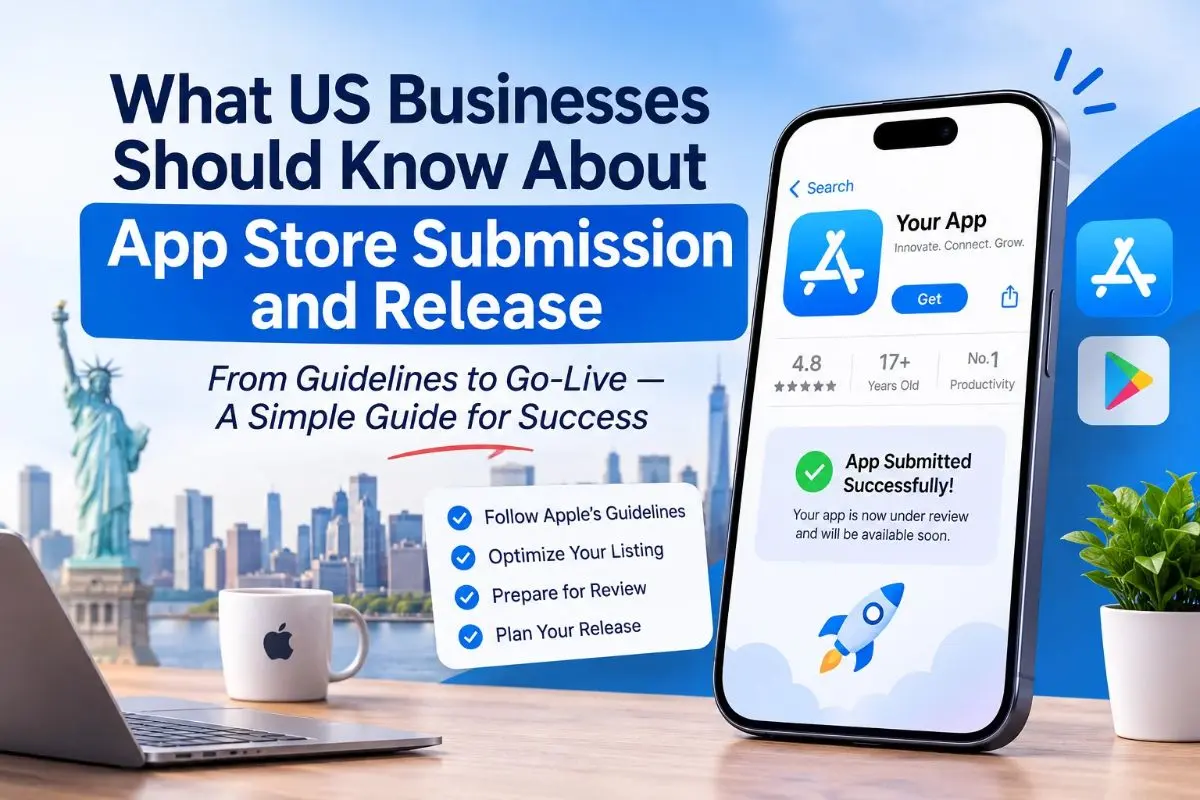
Quick Pre-Submission Checklist
- Developer accounts verified for your organization
- Builds made with current Apple and Google requirements
- Privacy policy live and matching store disclosures
- Demo account and reviewer notes ready
- Screenshots and metadata accurate
- Account deletion available in the app
- Beta feedback addressed and crashes resolved
- Release plan (phased or staged) and marketing timeline agreed
- Analytics and crash reporting enabled
How Devherds Helps Businesses Launch With Confidence
At Devherds, we have seen how a small oversight, like a missing privacy declaration or an outdated SDK, can delay a launch by weeks. Our app development services cover the full lifecycle, so submission is never a surprise:
- Strategy, UX design, and native or cross-platform development for iOS and Android
- Compliance-aware builds aligned with Apple and Google guidelines
- Quality assurance across devices, plus beta testing support
- App Store and Google Play submission, listing optimization, and release planning
- Post-launch monitoring, maintenance, and feature updates
Whether you are building your first app or rescuing one that keeps getting rejected, our team helps US businesses move from idea to approved, live, and growing.
Frequently Asked Questions
How long does App Store review take?
Many apps are reviewed within a day or two on Apple’s side, and Google Play reviews often finish within a few days, though new accounts and sensitive categories can take longer. Build a buffer of at least a week into your launch plan.
What should I do if my app is rejected?
Read the reviewer’s message carefully, fix the specific issue, and respond through App Store Connect or Play Console. If you believe the decision was a mistake, both platforms offer an appeal process.
Do I need a privacy policy even for a simple app?
Yes. Both stores require a privacy policy URL for most apps, and it must accurately describe your data practices.
Should I launch on iOS and Android at the same time?
It depends on your audience and budget. Many US businesses start with the platform their customers use most, or build cross-platform to launch on both together.
Final Thoughts
Successful app development in USA is about more than writing great code. It is about meeting platform rules, protecting user privacy, testing thoroughly, and launching with a plan. Treat submission as a core part of your product roadmap, and you will save time, money, and a lot of stress.
Ready to Launch Your App the Right Way?
Don’t let a rejection or a rushed release hold your product back. Talk to the Devherds team about your app idea, timeline, and launch goals.
Book Your Free 30-Minute Strategy Call with Devherds today and get a clear, practical roadmap for building, submitting, and launching your app in the US market.