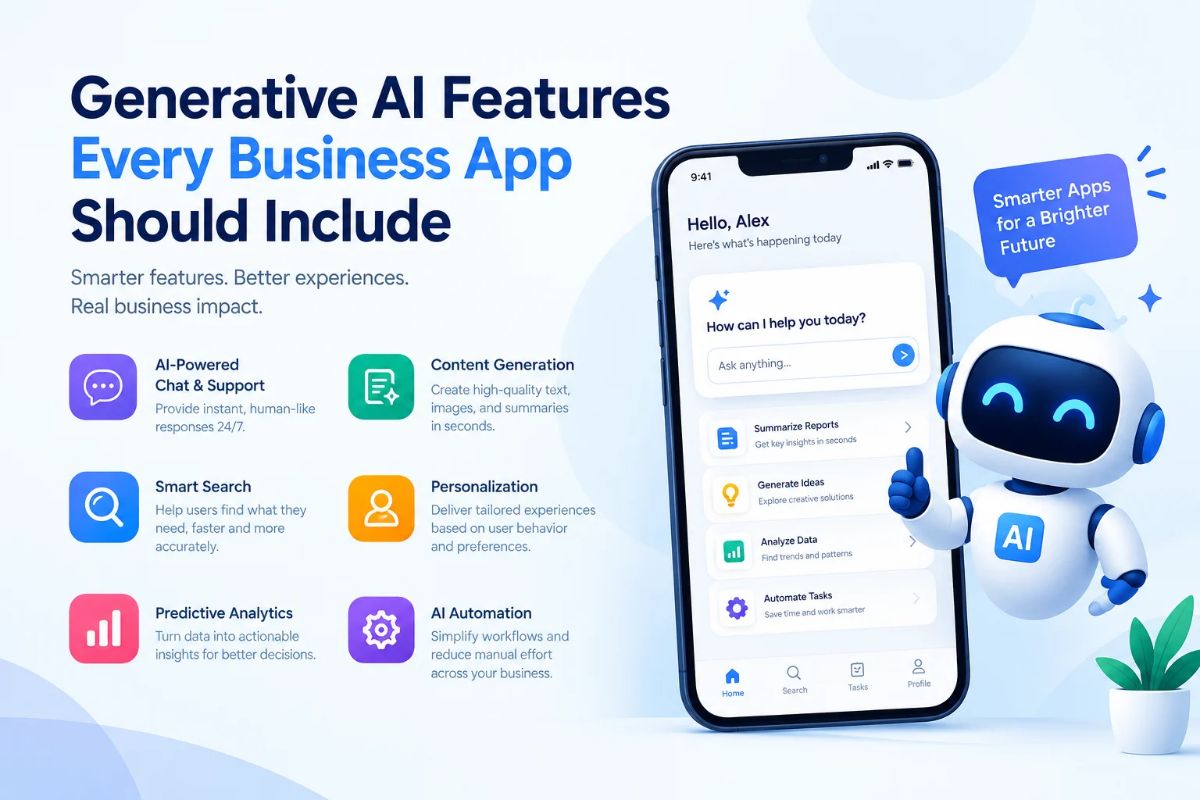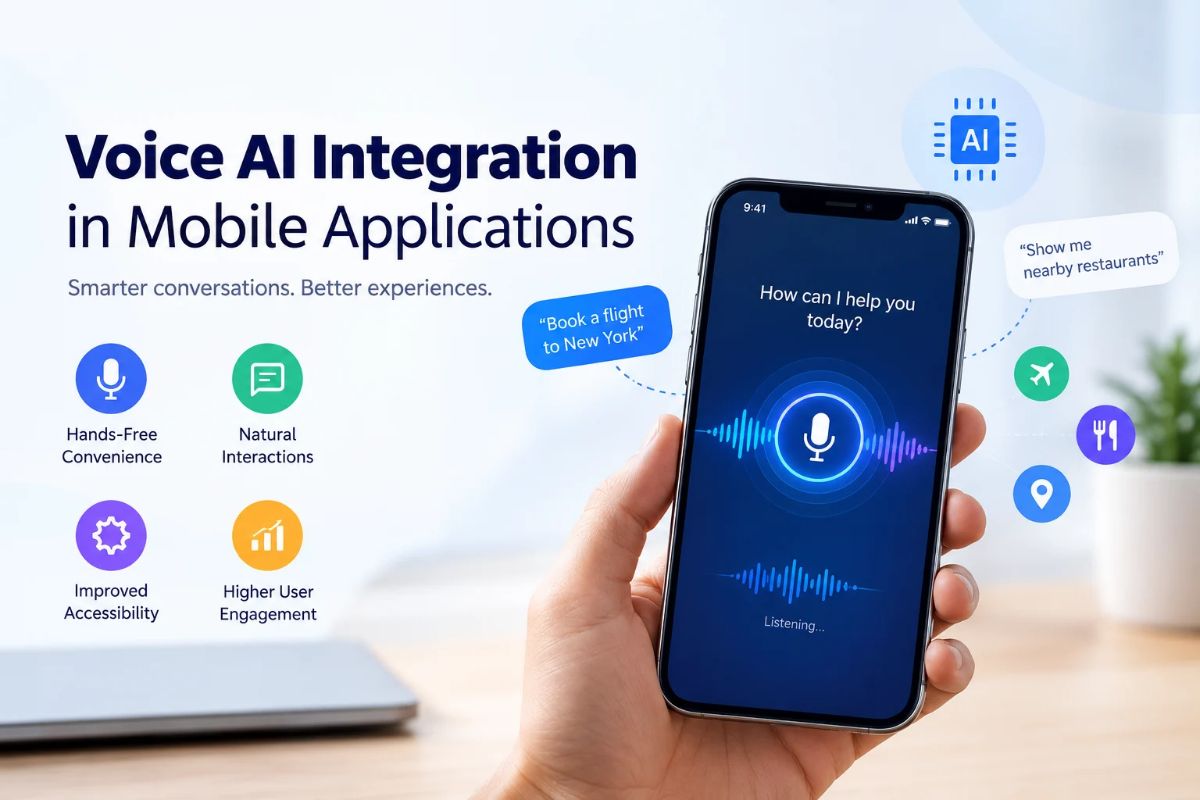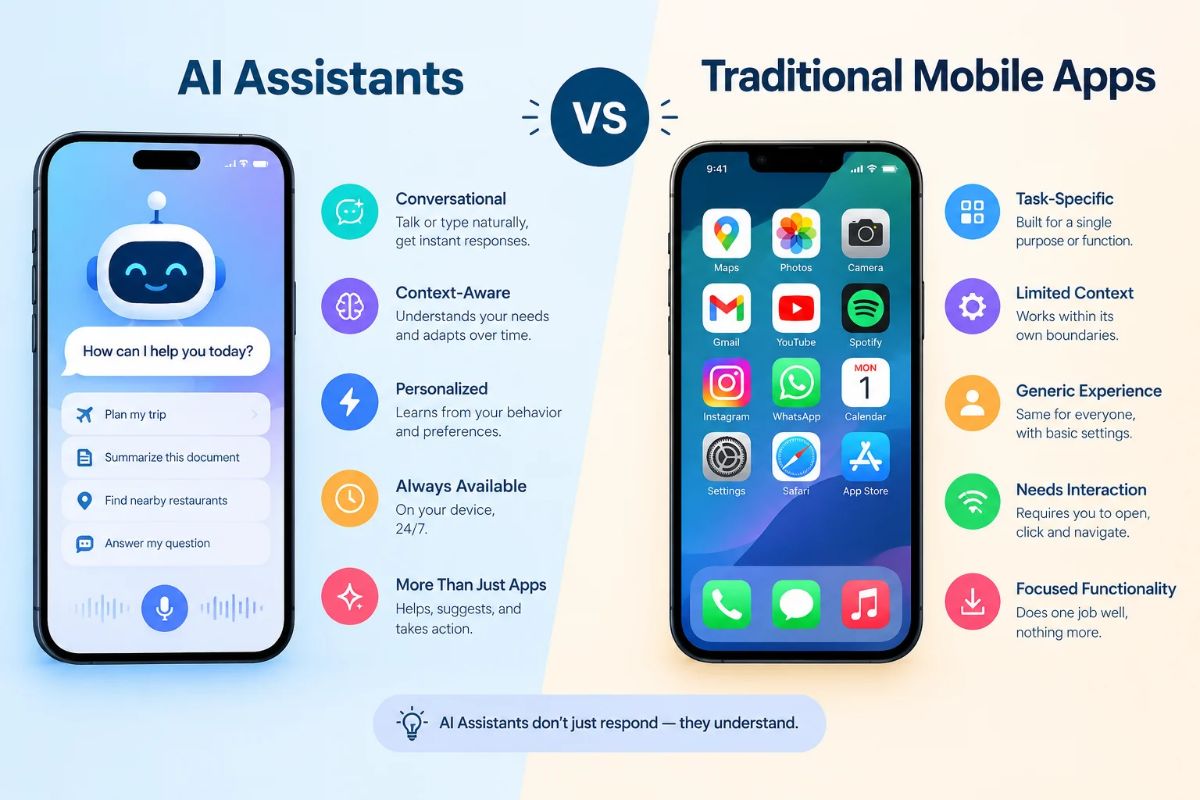
A business app no longer competes only on speed, design, or the number of features it offers. Users now expect software to understand context, reduce manual work, and help them reach an outcome with fewer steps. Generative AI makes that possible by turning static tools into responsive systems that can interpret information, create useful outputs, and support decisions. However, adding a basic chatbot is not enough. Effective AI must connect with business data, respect permissions, explain its results, and fit naturally into existing workflows. This blog explores the most valuable generative AI features modern business applications should include, along with the safeguards needed to make them practical and trustworthy.
Why Generative AI Matters in Business Apps
Generative AI can create text, code, images, audio, structured data, and other digital content from instructions or existing information. In business software, its value comes from applying those capabilities inside everyday processes rather than keeping them in a separate chat window. Enterprise use cases already include customer support, document processing, knowledge assistance, data analysis, software development, content creation, and workflow automation.
The strongest implementations do not simply generate impressive responses. They help users complete specific tasks: summarising a customer history, drafting a proposal, finding a policy, extracting information from an invoice, or identifying an unusual trend in sales data.
That shift changes how teams evaluate software. A useful AI feature should save time, improve accuracy, make information easier to access, or help employees make better decisions. The following capabilities provide a practical foundation.
1. Natural-Language Search
Traditional search depends on exact keywords, filters, and the user’s ability to predict how information has been labelled. Natural-language search allows people to ask questions in ordinary language.
For example, a sales manager could ask:
“Show me customers whose renewal is due within 60 days and whose support tickets increased this quarter.”
The application should understand the intent, identify relevant records, apply appropriate filters, and present the result in a clear format. This is more useful than forcing the user to search separately through a CRM, helpdesk, and reporting dashboard.
A capable search feature should include:
- Intent recognition rather than simple keyword matching.
- Semantic search for related terms and concepts.
- Filters for dates, users, departments, and record types.
- Permission-aware results.
- Links to the original records or documents.
- Clarifying questions when the request is ambiguous.
Search should also show where an answer came from. Users are more likely to trust an AI-generated response when they can open the source record and verify it.
2. Context-Aware Copilots
A business copilot works inside the application and understands the page, record, or task currently open. It should not behave like a generic chatbot disconnected from the user’s work.
In a project management app, for instance, the copilot could review delayed tasks, identify dependencies, and draft a status update. In a customer relationship management platform, it could summarise previous conversations before a sales call. In an accounting app, it might explain a variance in monthly expenses using approved financial data.
Context can come from:
- The user’s current screen.
- Account, project, or customer records.
- Previous interactions.
- Organisational policies.
- Connected files and databases.
- The user’s role and permissions.
The interface should make this context visible enough to avoid confusion. A short label such as “Based on this project and the last four updates” gives users a clearer understanding of how the answer was produced.
3. Intelligent Content Generation
Most business teams regularly create repetitive content. Generative AI can help draft emails, proposals, product descriptions, meeting notes, job descriptions, reports, and internal updates.
The feature becomes more valuable when it uses business-specific context instead of producing generic text. A proposal generator, for example, should draw from approved service descriptions, pricing rules, previous proposals, and customer requirements. It should also allow the user to select the intended tone, length, audience, and format.
Useful controls include:
- Rewrite, shorten, expand, and simplify options.
- Tone selection for formal, friendly, technical, or persuasive writing.
- Templates aligned with brand guidelines.
- Support for multiple languages.
- Editable drafts rather than automatic publishing.
- Version history and approval workflows.
The objective is not to remove human review. It is to reduce the time spent creating the first draft so employees can focus on accuracy, judgement, and customer relevance.
4. Document Understanding and Data Extraction
Business applications often contain valuable information trapped inside PDFs, scanned forms, contracts, invoices, receipts, and email attachments. AI-powered document understanding can extract that information and convert it into structured, usable data.
A procurement platform could identify supplier names, payment terms, line items, tax amounts, and renewal clauses. An insurance application could extract policy details from uploaded documents. A human resources system could organise information from resumes without requiring recruiters to read every file manually.
A reliable document feature should support:
- Optical character recognition for scanned files.
- Tables, forms, signatures, and complex layouts.
- Field-level confidence scores.
- Human review for uncertain values.
- Links back to the extracted text.
- Duplicate and inconsistency detection.
Confidence scores are particularly important. The system should distinguish between information it read clearly and information it inferred from an unclear document.
5. Conversational Analytics
Dashboards are useful, but they can still require users to understand reporting tools, metrics, and data models. Conversational analytics lets users ask questions about business performance in plain language.
A finance leader might ask, “Why did operating costs rise in the second quarter?” The application could compare categories, identify the largest changes, and present a chart with supporting figures. A marketing manager might ask which campaigns generated the most qualified leads after adjusting for spend.
This feature needs careful design because natural-language answers can create false confidence. The application should:
- Define the metrics it uses.
- Show the calculation or query behind the answer.
- Identify the reporting period.
- Separate facts from interpretation.
- Flag incomplete or conflicting data.
- Permit users to open the underlying dashboard.
The system should never quietly invent a business metric simply because the user phrased a question confidently.
6. Workflow Automation and AI Agents
The next step beyond generating text is taking action. AI agents can use approved tools to perform multi-step tasks, such as creating a support ticket, checking inventory, updating a CRM record, or preparing a purchase request. Tool-based systems allow an agent to call functions that interact with business systems, while retrieval-augmented generation can provide relevant organisational information at response time.
For example, an employee could write:
“Prepare a renewal-risk report for accounts managed by my team and create follow-up tasks for customers with unresolved issues.”
The application could gather account data, review support history, generate the report, and create tasks. Each action should be clearly displayed before it is executed.
Agentic features should include:
- A defined list of permitted tools.
- Role-based access control.
- Approval requirements for sensitive actions.
- Activity logs.
- Reversible changes where possible.
- Limits on spending, data access, and task scope.
- Human escalation for unusual cases.
A useful principle is simple: the more consequential the action, the more visible and reviewable it should be.
7. Multimodal Interaction
Modern AI systems increasingly work across text, images, audio, video, and structured information. This makes business applications more accessible and practical across different industries.
Examples include:
- Uploading a photo of damaged equipment for an initial service assessment.
- Converting a meeting recording into notes, decisions, and assigned tasks.
- Asking questions about a product diagram.
- Reviewing a screen recording to identify a software error.
- Generating an image variation for a marketing campaign.
Multimodal features should be designed around real workflows, not added merely to appear innovative. They also require strong privacy controls because audio, images, and video may contain sensitive personal or business information.
8. Trust, Security, and Governance
AI capability without governance creates operational and reputational risk. NIST’s Generative AI Profile highlights risks that are unique to, or made worse by, generative AI and recommends that organisations address them through structured risk management.
Every business app with generative AI should include:
- Permission-aware access to data.
- Encryption in transit and at rest.
- Clear retention and deletion policies.
- Protection against prompt injection and data leakage.
- Audit trails for prompts, outputs, and actions.
- Human approval for high-impact decisions.
- Monitoring for inaccurate, biased, or unsafe responses.
- Feedback tools for reporting problems.
The application should also be honest about limitations. It should say when information is unavailable, identify uncertainty, and avoid presenting generated content as verified fact.
Conclusion
Generative AI turns business software into an active partner when embedded into daily workflows. Success relies on keeping human users in control while grounding features in real operational needs. Bridging the gap between raw technology and practical application is where Devherds excels, helping organizations build dependable systems from intelligent search to automated workflows. Ready to talk about your project? Book a free 30-minute chat with Devherds to find the best AI features for your team and avoid wasting money on the wrong tools. Connect with us to build a smarter business app today.