For years, mobile apps have worked in the same way. You tap an icon. You look for the right menu. You select something, wait a second, and hope the screen does what you expected. It works. Nobody is arguing that. But AI assistants are starting to change the way people use apps. Instead of digging through buttons and lists, you can simply say what you need. The software figures out the rest. Businesses have noticed this too, and many are now rethinking their app designs, backend systems, and even the way features are organized.
As these assistants get better, the difference between “an app you operate” and “a system that works for you” is becoming less clearly defined. In this blog, you will learn about this change in detail.
Traditional Mobile Apps and the Interaction Model They Established
Most standard apps follow a fixed path. Open the app. Find the feature. Type in your details. Check everything. Tap submit.
There is a reason this model has lasted so long. It gives people control. Every option sits behind a button or menu, so nothing feels hidden. If you are checking your bank balance, placing an order, or working on something important, that sense of control matters. You want to see the details before you commit.
The downside? You have to know where things are.
Even if an app is packed with useful features, you still need to find them yourself. You tap here, swipe there, open another screen. AI assistants are beginning to remove that extra effort.
How AI Assistants Change the User Experience
AI assistants do not work like normal apps. They do not wait for you to find a button or open the right menu. They start with what you actually want.
Let’s say you need to book a flight.
In a regular app, you would enter the destination, choose the dates, apply filters, compare options, and then make the payment yourself. A lot of tapping. A lot of decisions.
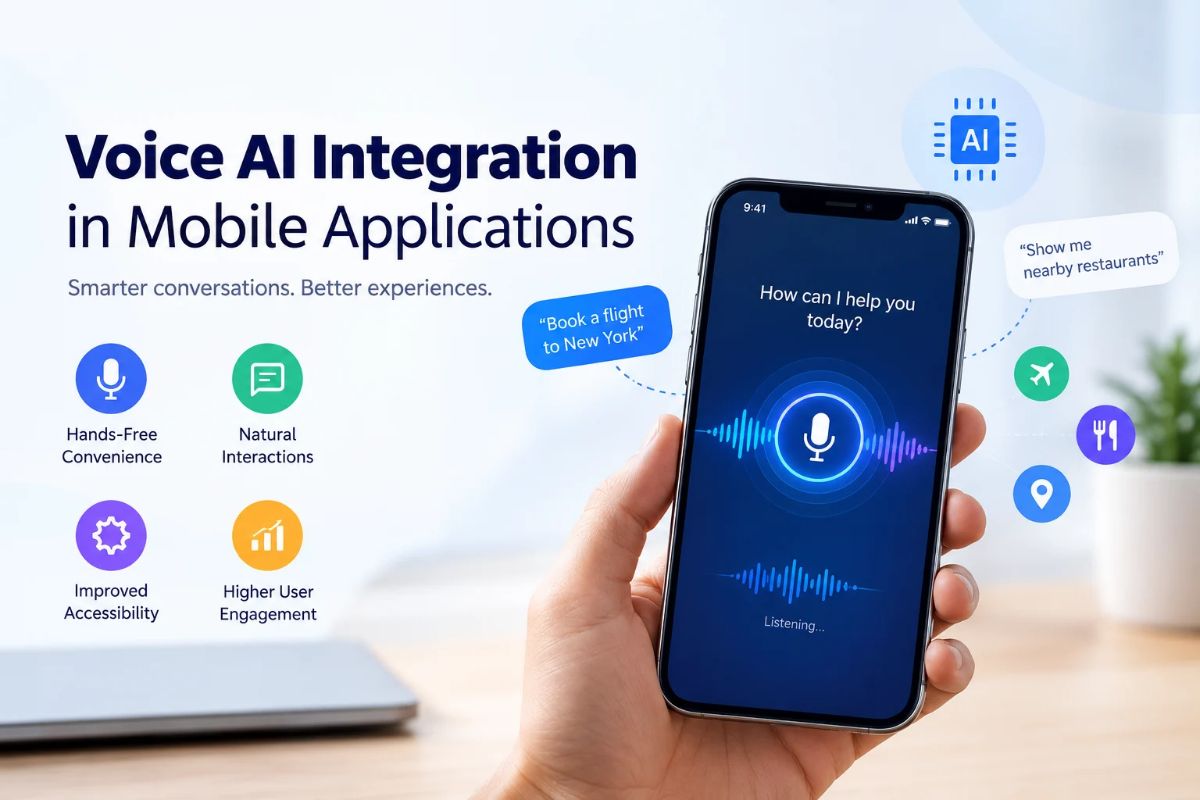
With an assistant, you can say it all in one sentence.
The assistant still needs real flight data, pricing systems, your saved preferences, and secure payment services. Nothing is being replaced there. It just handles the tedious parts in between so you do not have to keep switching screens.
From Navigation to Intent
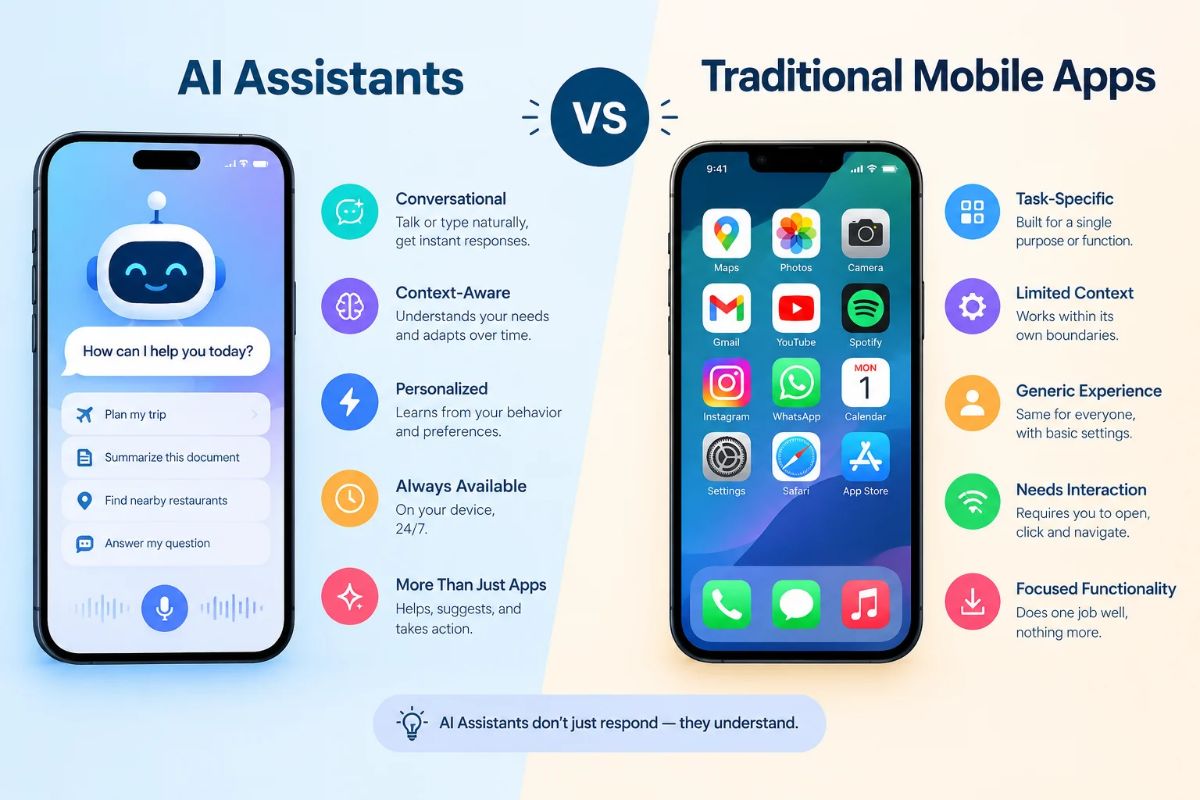
Traditional apps respond to taps. AI assistants respond to goals.
For example: “Find me the best flight for my meeting next Tuesday and keep it under budget.”
That one request covers several tasks. The assistant needs to understand the date, the budget limit, the available flights, and the pricing. Then it brings the useful options forward. Screens and buttons will not disappear, but they will not be the only way to get things done.
AI Assistants Can Cut Down the Steps
This is probably the biggest change.
Simple tasks in regular apps often take more screens than they should. Search. Filter. Compare. Add to cart. Choose an address. Pick delivery. Pay. It is not difficult, but it takes time.
An AI assistant can handle much of that quietly. Imagine saying, “Find a video-editing laptop within my budget and queue up the best one for checkout.” The assistant can search, compare options, and prepare the purchase flow before you even open the app properly.
The point is not just saving a few taps. It is moving from “user does every step” to “user sets the goal, system handles the process.”
Personalization Becomes More Context-Aware
A lot of apps already personalize what they show you. They check your past orders, saved addresses, browsing activity, and account information.
AI assistants go a step further. They also pay attention to the conversation itself.
So if you often buy from particular brands, prefer quicker delivery, or purchased something related last week, the assistant can use that information right away. Rather than throwing a long generic list at you, it narrows the options down.
It remembers earlier messages too. You could ask for suggestions, check the warranty, and then say, “add it to my cart,” without leaving the same conversation. No switching screens. No starting over.
Mobile App Architecture Is Also Evolving
These changes are not only about the front end. Adding AI means apps need to connect with models, APIs, data pipelines, and business logic.
APIs Become More Important
An assistant is only as useful as the systems it can reach.
In banking, it may need live account data and transaction history. In ecommerce, it may need inventory details, customer profiles, and shipping information. A chatbot bolted onto an app will not be enough. The AI has to be properly connected to the backend.
AI Needs Controlled Access
This is where things get serious.
If software can perform actions, it needs limits. Permissions, authentication, and safety checks become essential. Recommending a product is one thing. Buying it, changing account details, or moving money is something else entirely.
Development teams now have to decide not only how smart the AI should be, but also what it is allowed to do.
Traditional Apps Are Not Disappearing
AI will not replace regular mobile apps completely. There are still many situations where people want to see everything clearly.
Financial charts. Detailed records. Complex settings. These need proper visual layouts.
The Hybrid App Model
The most sensible approach is a mix of both.
Keep the structured interface people already understand, but let an AI assistant handle searches, recommendations, and repetitive tasks. Users can choose. If they want full control, they can navigate manually. If they are in a hurry, they can use a conversational shortcut.
What Businesses Should Consider Before Adding an AI Assistant
Do not start by asking, “Where can we add AI?”
Ask a better question: “Which user problems can AI solve better than what we already have?”
- Find high-friction workflows. Look for places where users drop off, ask the same support questions, or waste time searching through menus.
- Keep the scope small. Your assistant does not need access to everything. Start with product discovery, FAQs, or document search.
- Keep humans in control. For payments, account changes, or anything sensitive, always ask for clear confirmation before the system acts.
What the Shift Means for Mobile App Development
Building AI-assisted products changes what companies need from developers. Basic UI coding and simple backend work are no longer enough.
Teams now need to understand API orchestration, data security, model selection, prompt design, and testing.
Product teams can also stop treating every user journey as a fixed chain of screens. They can decide which actions belong on a screen, which fit better in a chat, and which can run automatically.
Where Mobile Apps Are Heading
AI assistants are pushing mobile apps toward something more adaptive. People will expect apps to understand complicated requests, remember context, remove repetitive steps, and connect several actions into one smooth flow.
For businesses, this means moving away from building static screens and toward designing smarter product ecosystems. Traditional app architecture will still matter. AI will simply add a layer of reasoning, personalization, and automation.
The companies that use AI where it genuinely helps users will build better products. The ones that add it just for marketing will not.
Conclusion
AI assistants are changing mobile apps by moving interactions beyond fixed screens and into intent-based automation. But traditional interfaces still give people the visibility they need, so the best approach is not replacement. It is a combination. For businesses trying to work this out, the real challenge is connecting AI to existing systems while keeping security and usability intact. That is where Devherds comes in. From backend APIs and AI integration to UI/UX design, testing, and deployment, we handle the full development lifecycle. You can also book a free 30-minute strategy call with our team to discuss your ideas and find the right AI tools for your product.